Newsletter Subscribe
Enter your email address below and subscribe to our newsletter

By Chris Clark, founder of Senior Tech Cafe
A bank text scam is a text message that pretends to come from your bank, usually about a charge you didn’t make, so you’ll tap a link or call a number and hand over your login, a security code or your money. Fake bank emails run the same play through your inbox.
It tends to arrive mid-coffee. Your phone buzzes with an urgent text from “Your Bank,” claiming that unless you click a link immediately, you’ll be held responsible for a $4,000 purchase of exotic parrots in a time zone you can’t even pronounce.
Your heart drops. You don’t even like parrots. You haven’t bought anything more exotic lately than a new brand of paper towels.
Your first instinct is to panic, click the link and clear your good name. Put down the coffee and step away from the touchscreen. Scammers have traded their ski masks for official-looking emails and terrifying texts, and you don’t need a degree in cybersecurity to spot them.
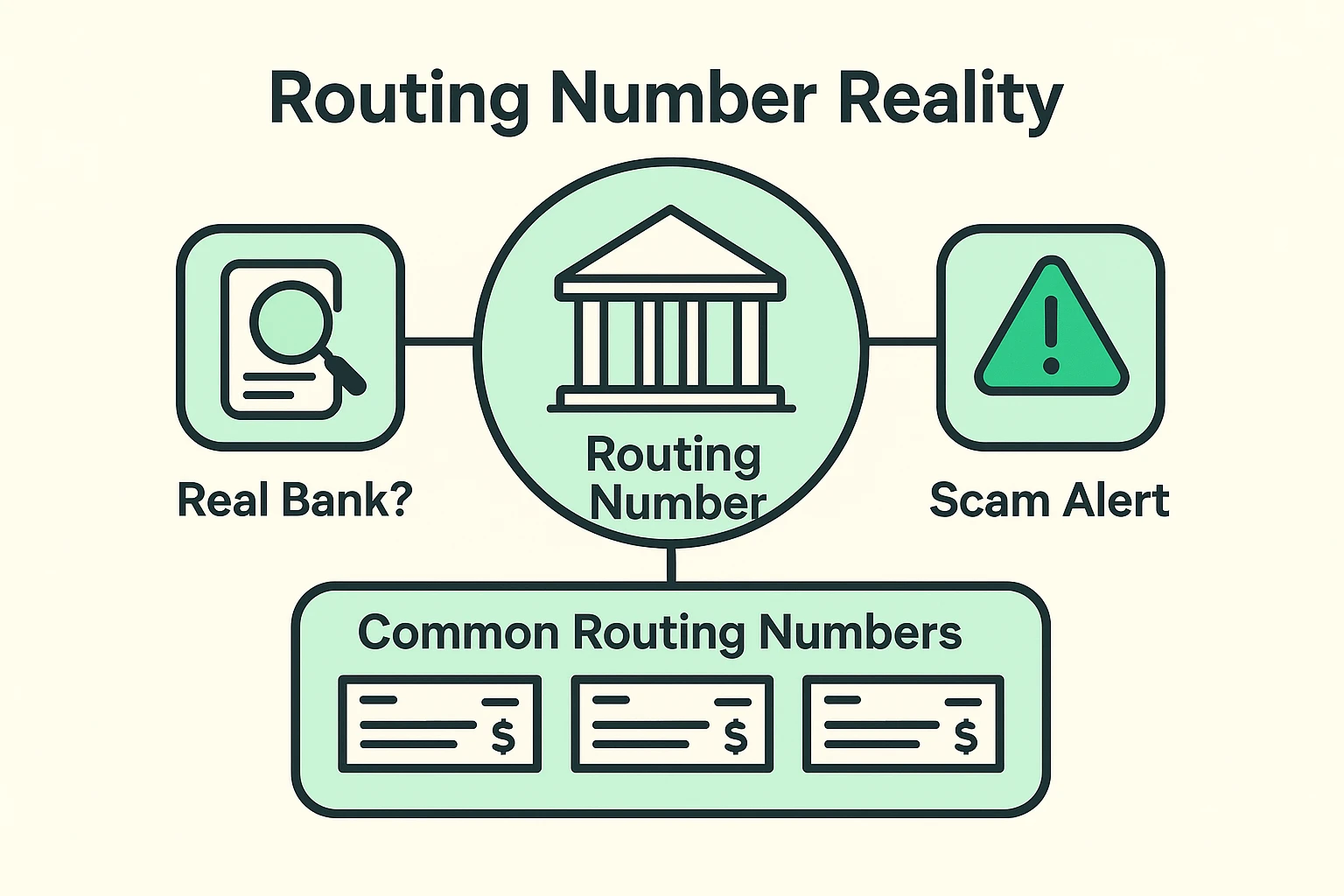
Here’s a trap that catches even savvy folks. A suspicious check, or an official-looking email, includes a bank routing number. You look the number up, and sure enough, it belongs to a real bank. You breathe a sigh of relief.
Not so fast. Routing numbers are public. Scammers look up real ones and paste them onto fake checks and messages precisely because you’ll check.
Think of it like someone slapping a shiny Mercedes logo onto a rusty golf cart and trying to sell it to you as a luxury sedan. The logo is real. The vehicle is definitely not. A legitimate routing number doesn’t mean you’re looking at a legitimate message.
Scammers use a trick called phishing: a message dressed up as your bank so you’ll bite. A fake bank email looks exactly like it came from Bank of America, Chase or Wells Fargo. It has the right colors, the right logo, and the perfect amount of boring corporate language to make your eyes glaze over.
It also has perfect spelling now. Scammers use AI to write their messages, so the old giveaway of typos is mostly gone. If you’re relying on bad grammar to save you, you’re bringing a butter knife to a laser fight. Many fakes even use your real name.
So start with the premise, not the polish. Ask yourself why the bank would contact you this way. Real banks almost never ask you to verify your account or sort out “unusual activity” through a link in an email or text. They want you to sign in to their app or website, where their real messages are waiting.
Then check who actually sent it. A scammer can set their display name to “Bank of America Support.” Tap or click that name to see the real email address underneath, and the truth comes out. It usually looks like a cat walked across the keyboard (something like BofA-support@sneaky-thief-123.biz). If the address looks like alphabet soup, you’re dealing with a scam. Hit delete and celebrate your victory over cybercrime.
Texts are harder, because there’s no address to inspect. A bank text scam may come from an ordinary 10-digit number or even an email address, and neither tells you much. The premise test does the work: a text that wants you to tap a link and sign in is a text to ignore.
The most common bank text scam is a fake fraud alert. When the FTC looked through scam texts people had reported, bogus bank security messages topped the list.
It goes like this. A text asks whether you really just spent $900 at an electronics store and tells you to reply YES or NO, or to call a number. You reply NO, naturally, because you didn’t. Minutes later, a very calm “fraud department” calls you back.
Then the helpful stranger starts asking for things. They want the code your bank just texted you “to confirm your identity.” Or they tell you your account is compromised and you need to move your money to a “safe account,” or send it to yourself through a payment app, to protect it.
Here’s the rule that ends the whole show: your real bank will never ask you for a verification code, your PIN or your password, and it will never tell you to move money to protect it. That goes for payment apps too. Anyone who asks is the fraud.
Treat that caller like an uninvited door-to-door salesman trying to sell you invisible siding. Hang up, then call the number on the back of your card. If you want the longer version, here’s how to tell whether a bank fraud alert is real or a scam.
Scammers keep inventing ways around the usual checks. Two are worth knowing.
Look-alike web addresses. Some scammers register addresses that swap a normal letter for an identical-looking letter from another alphabet. On screen, the real bank’s address and the fake one look exactly the same. To a computer, they’re completely different places. That’s why even a link that looks right isn’t worth tapping. Type the address yourself, or use the bank’s app.
QR codes. A fake bank email may skip the link and show a QR code instead, hoping you’ll scan it with your phone. Email filters that catch bad links often can’t read a picture of a code, so it sneaks in through the doggy door. Your bank has no reason to email you a QR code to sign in. Don’t scan it.
When you get one of these heart-attack-inducing messages, your best defense is to slow down. Scammers rely on your panic. Instead of rushing, use our 3-Step “Pause & Protect” method.
If you’re on a computer, rest your mouse pointer over the link in the email without clicking it. A little box pops up, usually at the bottom of the screen, showing where the link actually goes. If the text says “BankofAmerica.com” but the hidden destination says “scam-you-now.net,” you’ve caught them red-handed.
On a phone, there’s no safe way to peek, so skip straight to Step 2.
Never, ever use the link provided in a suspicious text or email. If you’re worried there might actually be an issue with your account, open a fresh web browser and type in the bank’s address yourself to check their website directly. If there is a real problem, you’ll see a notification when you log in safely.
Still not sure if that message is real? Turn over your credit or debit card. Call the toll-free number printed right there on the back. That is the only phone number you can trust 100%. The customer service rep will be more than happy to tell you if the message was real or just a digital fib.
So, how can you tell if a text or email from your bank is a scam? If it rushes you, asks you to tap a link and sign in, or asks for a code, a PIN or a password, treat it as a scam until your bank tells you otherwise, through a number or app you already trust.
Once you’ve spotted one, report it. It takes a few seconds and helps get the scammer’s number blocked for everyone else:
Then lock the door. Turn on two-factor authentication for your bank and email. It means a scammer who tricks you out of a password still can’t get in without the extra code, and now you know never to read that code to anyone.
Scammers don’t only use texts and emails, either. Some just let your phone ring once and wait for you to call back, which is its own phone scam worth knowing about.
Yes. A fake check can carry a perfectly real routing number, because routing numbers are public and scammers simply look them up and print them. The number proves the bank exists. It doesn’t prove the check is good, and a fake check can bounce weeks after your bank first makes the money available.
No. The padlock only means your connection to the site is encrypted, so nobody in between can read it. Scammers get padlocks for their fake bank sites too. If you’ve landed on one, all it means is that you have a very secure connection to a very bad person. Type your bank’s address yourself instead.
If you clicked a link in a bank text scam but typed nothing, close the page and run your security software’s scan. If you entered a password, call your bank using the number on the back of your card, then change that password and any other account that uses the same one.
Scammers often buy personal details leaked in data breaches at other companies, so a fake bank email may include your real name or the last four digits of a card. Those details make the message feel genuine, but they’re easy to buy. Knowing them doesn’t make the sender your bank.
Not always. Many banks send real fraud alerts that ask you to reply YES or NO. The scam version follows up with a phone call from a fake fraud department asking for a code or telling you to move money. Real alerts never ask for either. When unsure, call the number on your card.
Being skeptical of random messages isn’t rude. It’s smart. The next time a text demands immediate action about your money, take a deep breath, check it the slow way, and delete it.
If you did tap before you thought, here’s what to do after clicking a suspicious link. For everything else, from passwords to phone scams, start with our online safety guide for seniors.
Keep your passwords safe, keep your eyes peeled, and leave the exotic parrot purchases to the professionals.