Newsletter Subscribe
Enter your email address below and subscribe to our newsletter


Have you ever called your doctor’s office to schedule a simple check-up, only to be told you need to “log into the patient portal,” “download our secure app,” and “verify your identity via an SMS token link”? It sounds less like making a doctor’s appointment and more like you’re trying to launch a nuclear submarine.
You might be thinking, “I just have a strange rash on my elbow. Why do I need to involve a satellite in outer space?” If this sounds familiar, take a deep breath. You are not alone. For millions of seniors, the push toward video-only telehealth feels like a frustrating digital roadblock.
The good news? You don’t need a PhD in computer science, a $1,000 smartphone, or a teenager rolling their eyes at you to talk to your doctor from home. You just need that trusty plastic contraption sitting on your kitchen counter: your landline. Let’s look at exactly how to bypass the apps and use plain old telephone calls to get the care you need.
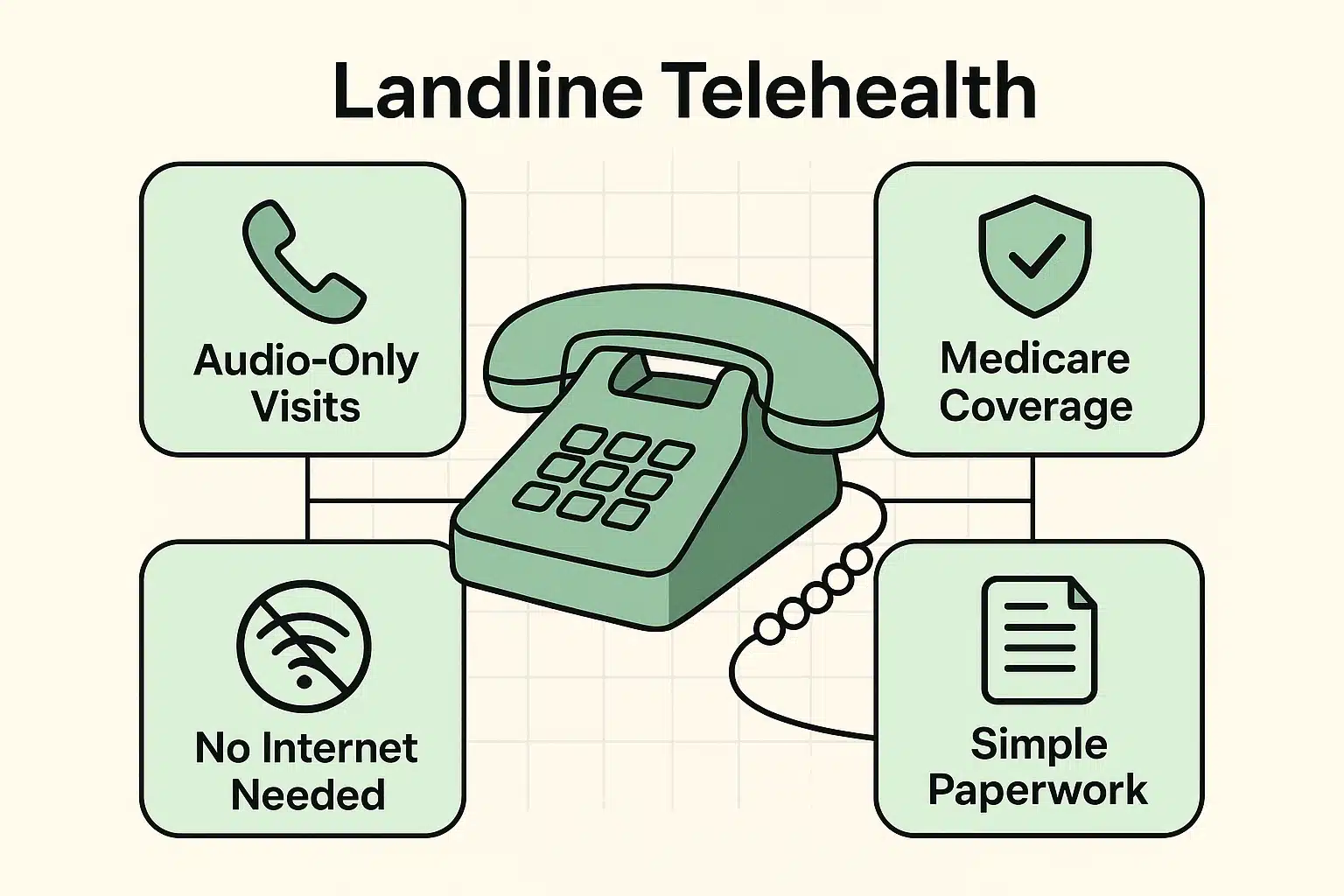
Here is a secret the big tech companies don’t want you to know. “Telehealth” is just a fancy, legal medical term that simply means “getting care from afar.” It does not exclusively mean video calls.
In the eyes of the medical system, a standard phone call is a fully legitimate way to conduct a doctor’s visit. In fact, doctors even have specific billing codes (CPT codes 99441 to 99443, for those keeping score) created specifically for “audio-only” visits.
You don’t need a glowing screen to tell your doctor your knee hurts when it rains. You just need a clear connection and your voice.
The first hurdle is usually the front desk. When you call to book an appointment, the receptionist will likely assume you want a video visit and start firing off instructions about downloading apps like Zoom or MyChart.
Don’t panic. You just need to use the magic words. When they start talking about apps, politely interrupt and say: “I need an audio-only telehealth visit because I do not use a smartphone or the internet.”
If they use confusing terms like “asynchronous portal communication,” just translate that in your head to “leaving a message.” Stick to your guns. Say, “I will be using my home phone. Please put me down for a telephone consultation.”
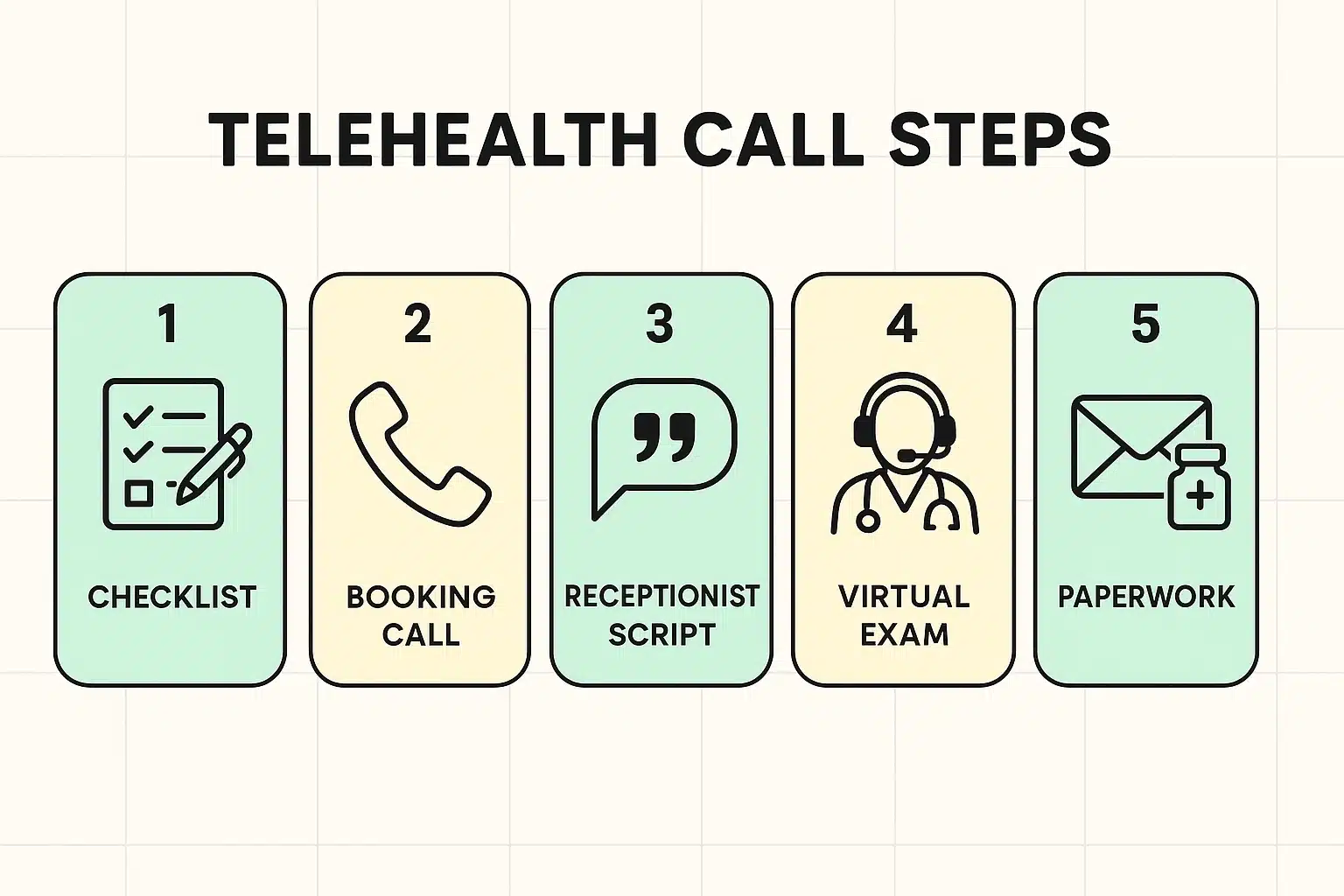
Since the doctor can’t physically see you, your words need to paint the picture. Find a quiet room, grab a pen and paper, and gather your health ID cards.
You’ll also want to have all your pill bottles sitting right in front of you. If you use a medication reminder to keep your pills organized, bring that to the phone, too. The doctor will inevitably ask what you’re taking, and “the little yellow one that tastes like chalk” isn’t a recognized medical term.
To help your doctor understand what’s wrong, use the “PQRST” method. It stands for Provocation (what makes it worse?), Quality (is it sharp or dull?), Region (where is it?), Severity (on a scale of 1-10?), and Timing (when did it start?). This simple trick makes you the easiest, most prepared patient they’ll talk to all day.
One of the most frustrating parts of modern medicine is the mountain of paperwork. How on earth do you fill out digital intake forms if you don’t use email?
The simplest solution is to ask the office to mail the physical paperwork to you a week before the visit. If there isn’t enough time for the post office to do its job, tell the receptionist, “I will need to complete my verbal consent and intake questions over the phone at the start of my appointment.”
As for new prescriptions, the doctor can send them directly to your local pharmacy’s computer system during your phone call. You just walk in, give the pharmacist your name, and pick up your medicine like normal. No apps required.
You might be wondering, “Will Medicare actually pay for a doctor to just talk to me on the phone?” The short answer is yes.
Thanks to recent policy updates, Medicare has extended coverage for many audio-only telehealth services through December 2027. This includes behavioral health check-ins and standard medical consultations.
If you live in Canada, systems like Quebec’s RAMQ and Alberta Health Services have also made telephone-based medical acts a permanent fixture for elderly patients. Always verify with your specific plan, but rest assured that “audio-only” is recognized as real, reimbursable medical care.
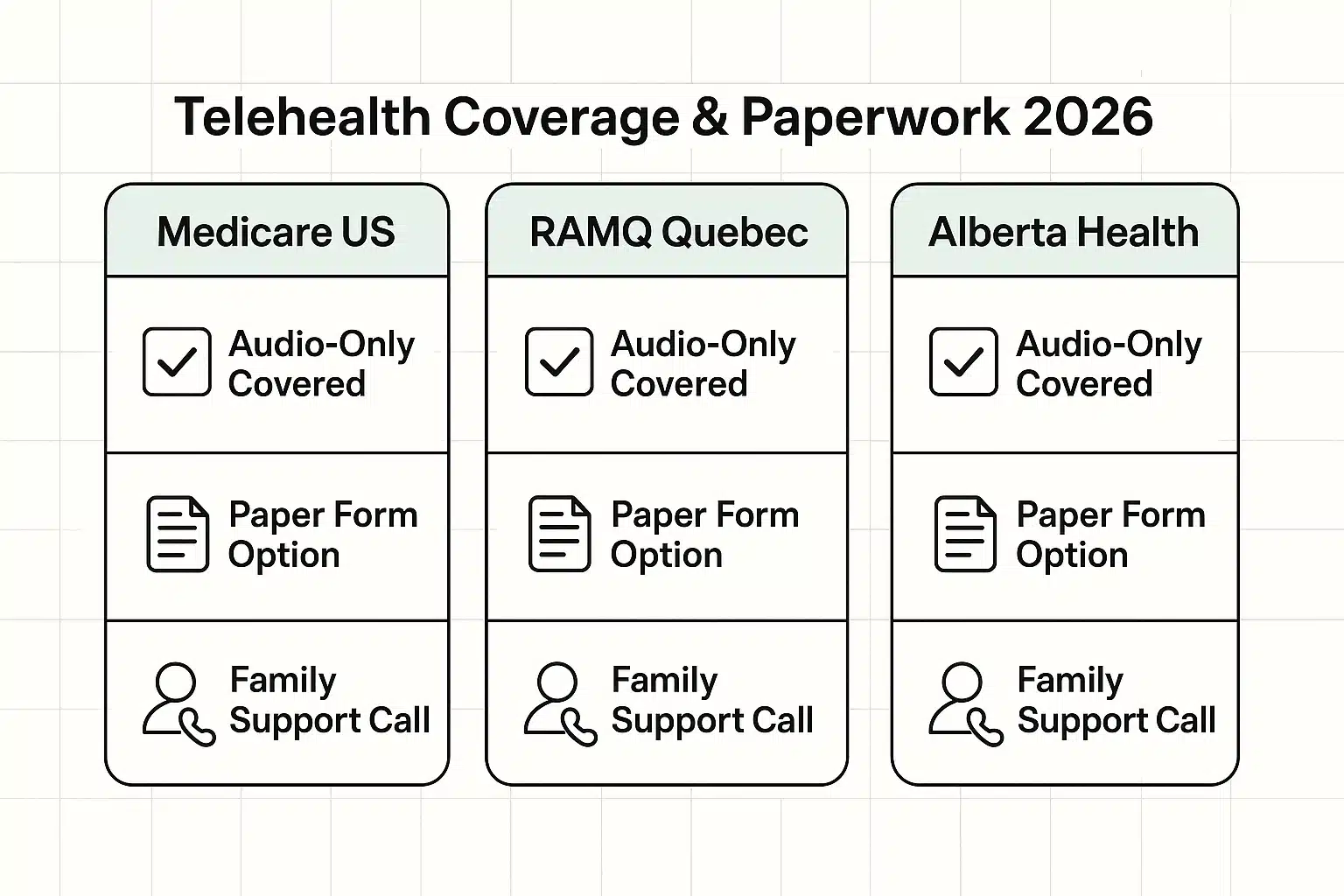
Absolutely. You can use the three-way calling feature on your landline, or simply ask the doctor to conference in your family member’s phone number when the appointment begins. It’s a wonderful way to have an extra set of ears listening to the doctor’s advice.
If you get disconnected, simply hang up the receiver and keep the line clear. The doctor’s office will almost always call you right back within a minute or two. It’s a lot easier to fix a dropped phone call than a frozen video app!
If a visual is absolutely necessary and you don’t use the internet, ask if you can mail or drop off a physical photograph. However, if the doctor really needs to examine something complex, they may politely ask you to come in for a traditional in-person visit to be safe.
Technology is supposed to make our lives easier, not give us high blood pressure before we even speak to the doctor. By using your trusty landline, you can skip the digital headaches and get straight to the part that matters: your health.
The next time you need to schedule an appointment, don’t let the threat of “patient portals” scare you off. Pick up the receiver, state your preference for an audio-only visit, and enjoy the simplicity of a good old-fashioned phone call. Keep exploring Senior Tech Cafe for more plain-English tips that put you back in control of your technology!