Newsletter Subscribe
Enter your email address below and subscribe to our newsletter

Remember when “subscribing” to something meant a neighborhood kid threw a newspaper into your rosebushes every morning, and if you wanted to cancel, you just waited by the front door to tell him? It was a simpler time. The transaction was visible, physical, and occasionally involved fixing a crushed petunia.
Today, signing up for a service is easier than sneezing. You tap a button, face-scan your phone, and voila—you have access to a premium recipe app or a streaming service dedicated entirely to documentaries about cheese. But trying to leave? That’s a different story. Trying to cancel a digital subscription often feels like trying to break up with a clingy partner who refuses to acknowledge you’ve moved out.
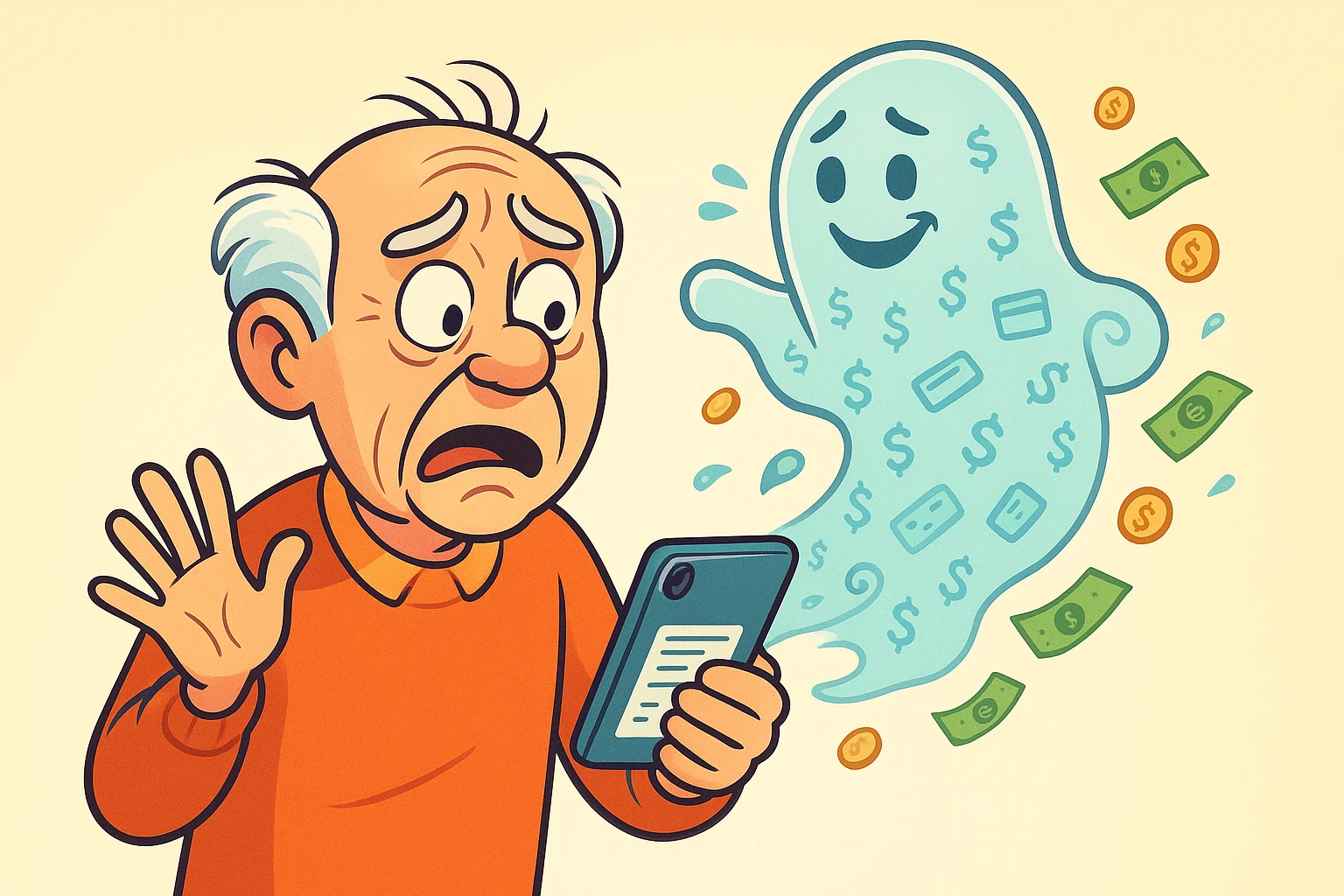
We call these “Ghost Subscriptions.” They are the silent, invisible charges that haunt your credit card statement, quietly siphoning off $4.99 here and $12.99 there. You might not notice them individually, but together, they can be scary enough to make your bank account shudder.
If you feel like you’re paying for things you don’t use, you aren’t crazy. Studies show that most people underestimate their monthly subscription spending by a whopping 250%. The good news? You don’t need an exorcist to banish these ghosts. You just need a little know-how and a few minutes of detective work.
Before we start slashing bills, we need to clear up the single biggest confusion point for seniors (and frankly, most teenagers, too).
Imagine you want to buy a magazine. You have two choices:
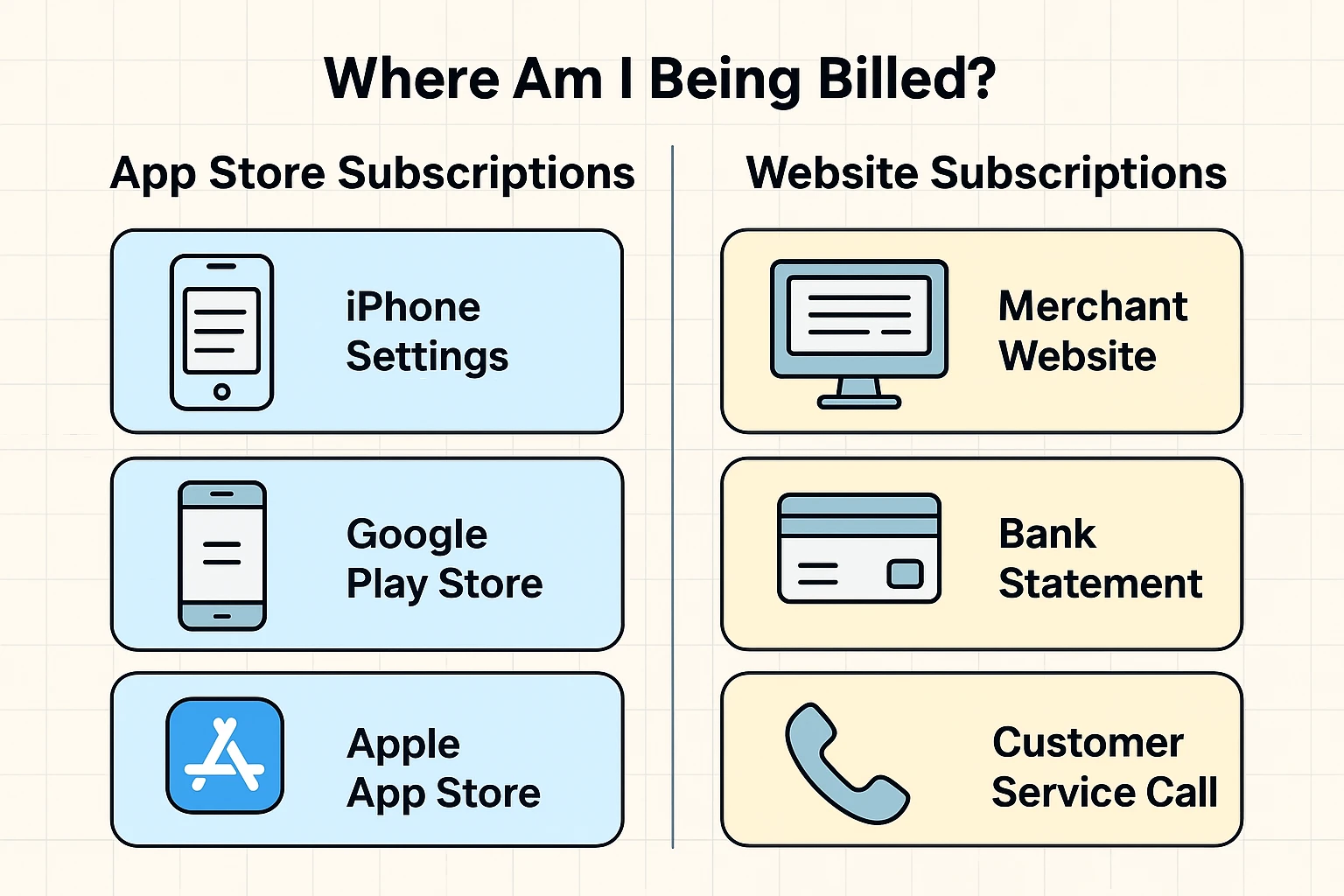
In the digital world, your smartphone has a “newsstand”—it’s called the Apple App Store (for iPhones) or Google Play Store (for Androids).
Here is where it gets tricky: If you downloaded a puzzles app and subscribed inside the app using your phone’s ID, you paid the “newsstand” (Apple or Google). If you went to the puzzle company’s website on your computer and typed in your credit card number, you paid the “publisher” directly.
Why does this matter? Because if you try to cancel a subscription on a company’s website, but you bought it through Apple, the website will look at you blankly and say, “We don’t have your billing info.” Meanwhile, Apple keeps charging you. You have to cancel where you bought it.
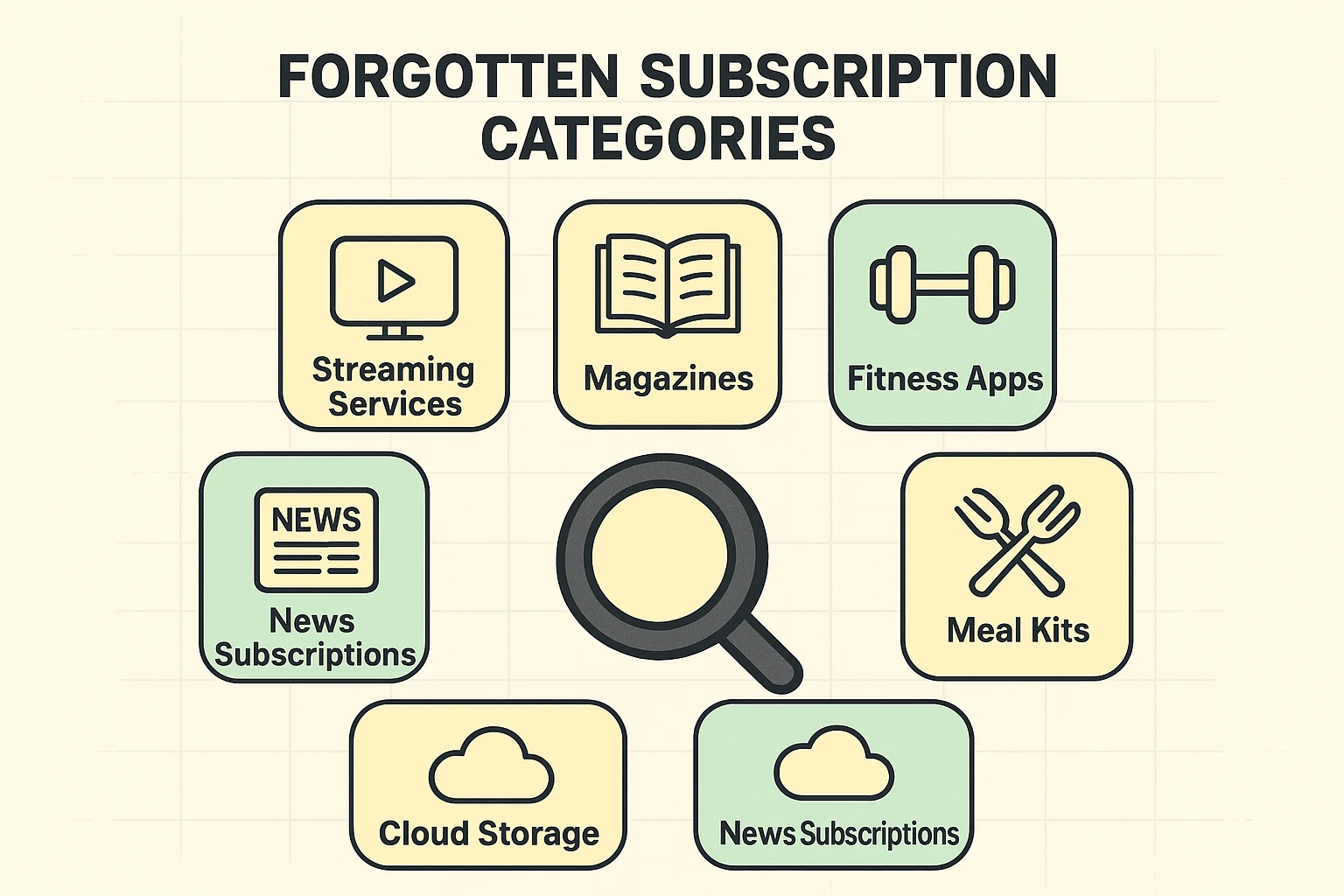
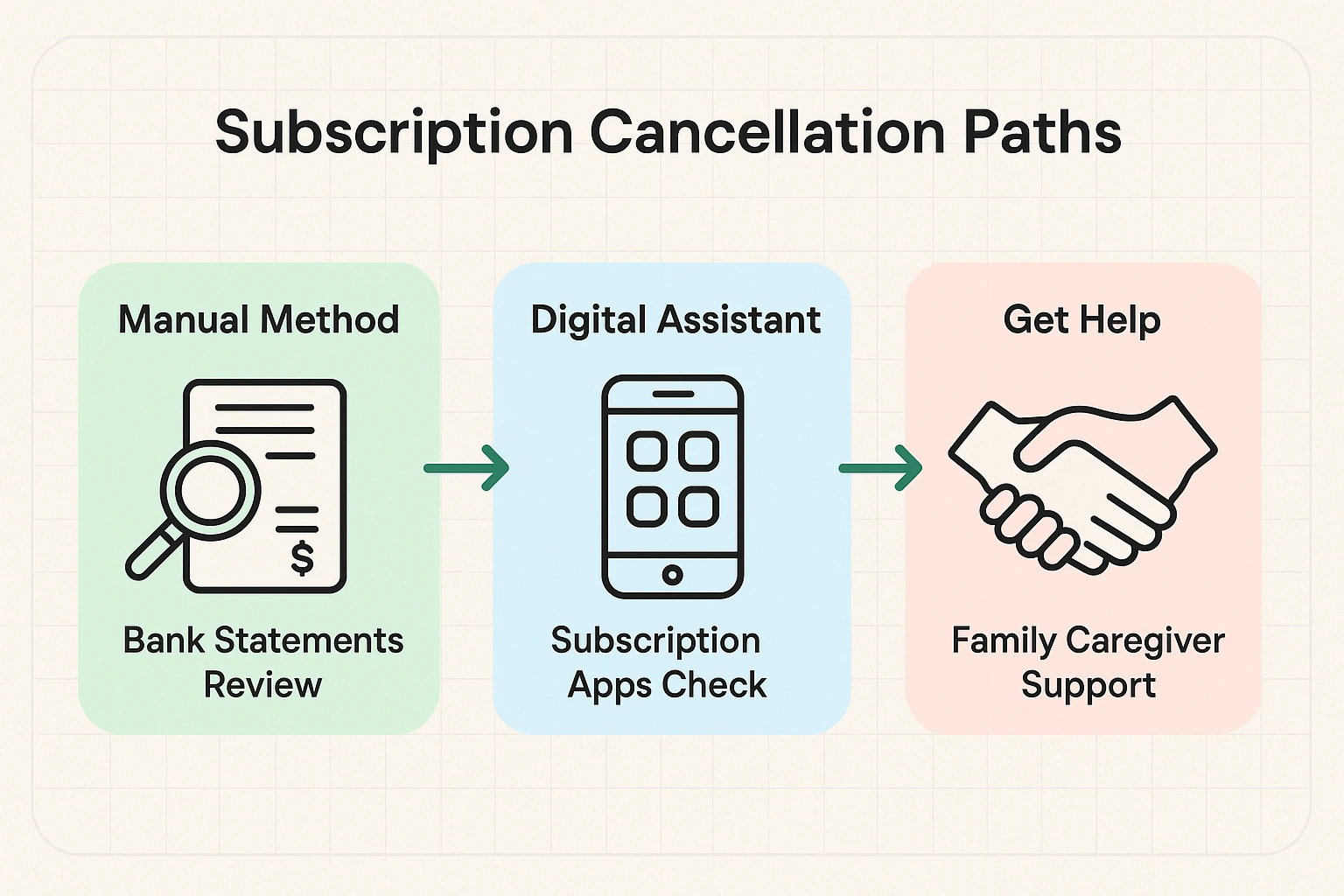
You don’t need to be a tech wizard to find these leaks in your budget. We’ve broken this down into three paths. You can choose the one that fits your comfort level, or—if you’re feeling ambitious—do all three to ensure your wallet is airtight.
This is the most reliable method because bank statements don’t lie.
Remember how we talked about the App Store? Here is how to peek inside your digital file cabinet to see what you’ve agreed to pay for.
For iPhone/iPad Users:
For Android Users:
Amazon is like that junk drawer in your kitchen—it holds everything, and sometimes things get buried in the back. You might have subscribed to a channel on Prime Video or signed up for a monthly delivery of vitamins you stopped taking in 2019.
Have you ever tried to leave a party, but the host keeps blocking the door, offering you more cake, and asking you to fill out a survey about why you’re leaving?
Online companies do the digital version of this. It’s called a “Dark Pattern.” They design their websites to make signing up take three seconds, but canceling take three hours. They might hide the “Cancel” button in tiny grey text at the bottom of a page, or make you call a phone number during business hours.
If you are stuck:
You may have seen TV commercials for apps that promise to find and cancel subscriptions for you. These can be helpful, but they come with a trade-off. To work, these apps need your bank usernames and passwords to “read” your transactions.
For many seniors, handing over the keys to the bank vault to a third-party app feels a bit like leaving your front door unlocked because a stranger promised to water your plants. While many of these services are legitimate and secure, the manual method (Path 1 above) is free, 100% private, and gives you complete control.
No! This is the most common myth in the book. Deleting the app just removes the icon from your screen. The billing computer doesn’t know you deleted it, and it will keep charging you until the end of time (or until your credit card expires). You must go into your settings and cancel the subscription first.
These generic charges are frustrating. Usually, if you follow the “Digital Check-Up” steps above (Path 2), you can match the price on your bank statement to the specific app in your subscription list.
Some services (like home security or certain gym memberships) do sign you up for a year-long commitment. However, most digital apps (streaming, news, games) are month-to-month. Read the fine print, but usually, you can cancel these at any time—you just might not get a refund for the days you already paid for this month.
Technology is supposed to serve you, not tax you. By taking twenty minutes this afternoon to play detective, you aren’t just saving money—you’re taking back control.
So, grab a cup of coffee and your credit card statement. It’s time to bust some ghosts. And if you find that you’ve been paying for a “Premium Cat Yoga” channel for the last three years… well, don’t be too hard on yourself. Just hit cancel, and enjoy the extra cash.