Newsletter Subscribe
Enter your email address below and subscribe to our newsletter

Imagine walking into your attic. There, nestled between the artificial Christmas tree and a box of VHS tapes you haven’t watched since 1998, is a blinking computer terminal holding your credit card number. You don’t remember putting it there. You don’t even remember buying a membership to the “Sweaters for Pugs” online forum back in 2012. But there it sits, gathering dust and waiting for a hacker to stumble upon it.
If this sounds terrifying, welcome to the world of “digital dust bunnies.” These are the old, forgotten online accounts we all have floating around in the cyberspace ether. We sign up for a service, buy one thing, and then completely forget the account exists.
But unlike the actual dust bunnies hiding under your sofa, these digital versions don’t just sit there looking gross. They hold onto your personal information, your old passwords, and sometimes even your financial data. Let’s grab our digital brooms and sweep them out for good.
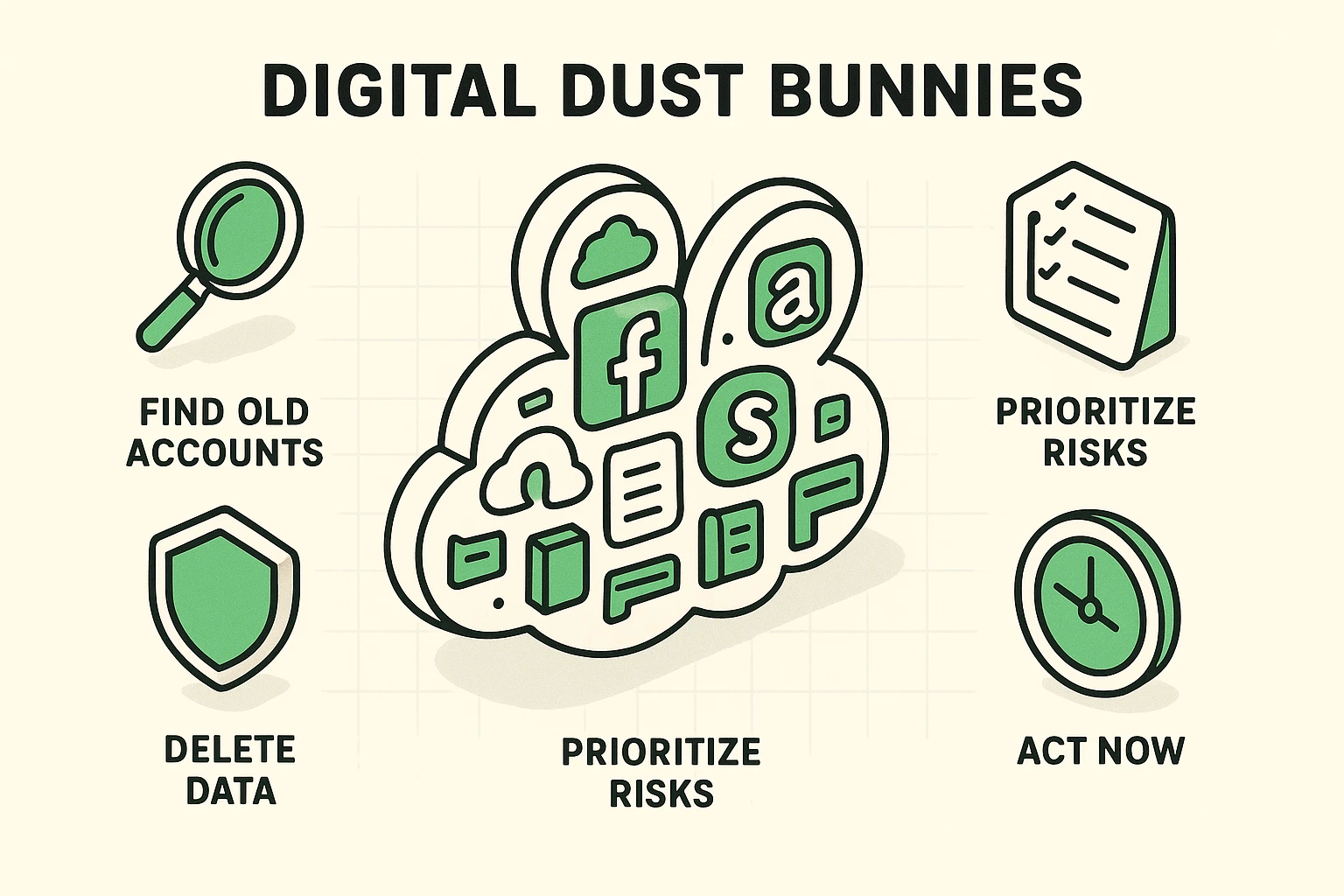
Many of us operate under a very logical, yet entirely false, assumption: if I delete the app from my phone, the account is gone forever. This makes perfect sense in the physical world. If you throw away a mail-order catalog, you aren’t subscribed anymore, right?
Unfortunately, the internet doesn’t work that way. Deleting an app is like taking the sign off a shop window. The sign is gone, but the shop—and all your personal data sitting inside it—is still fully operational.
Why does this matter? Because that one forgotten account from 2012 could be a backdoor to your bank account today. Data brokers love collecting this dormant info, and scammers try stolen passwords on your newer, more important accounts. If you reused the same password—or a close variation—that forgotten account could give them a way in.
You can’t clean up a mess you can’t see. So, how do we find these hidden accounts? We become an Inbox Detective. Your email account is essentially a massive, unorganized filing cabinet of every digital move you’ve ever made.
Go to your email search bar and type in words like “Welcome,” “Verify,” “Your account,” or “Subscription.” You will likely be stunned by what pops up.
You might find an old online shopping account, a forgotten social media page, or a membership to a cheese-of-the-month club you canceled during the Obama administration. Write these down on a piece of paper. This is your digital hit list.
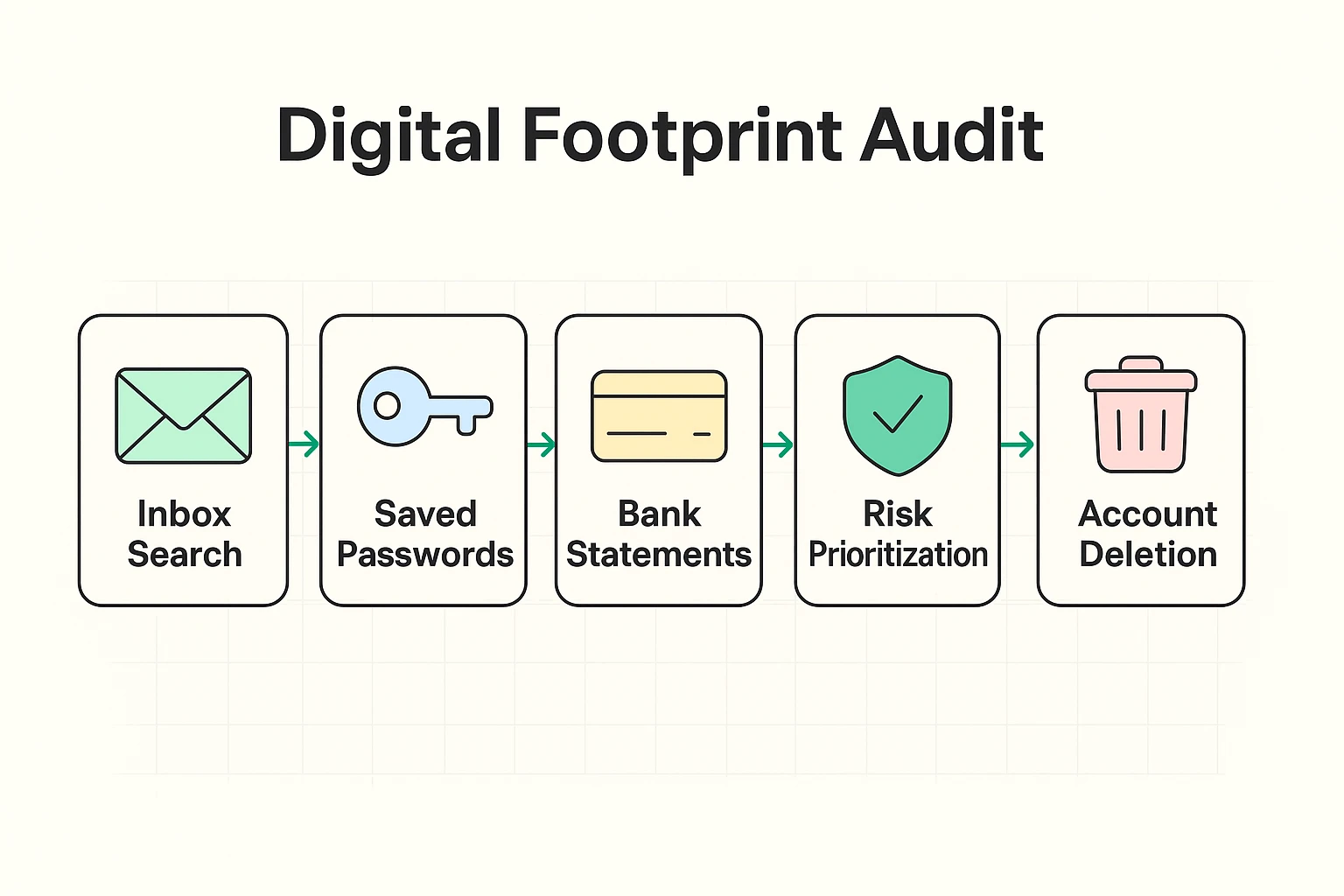
Another fantastic way to hunt down digital dust bunnies is to follow the money. Grab a few recent bank or credit card statements and look for small, recurring charges. Those $3 monthly fees for services you haven’t used in years are prime targets. Cancel the subscription first and save the confirmation, then delete the account. Don’t assume deleting the account stops the charges.
But let’s not forget the “invisible” bunnies. Did your grandkids ever set up a gaming account using your email address? Check whether that account still has a saved payment method or an unwanted subscription—even if the console has been gathering dust for years.
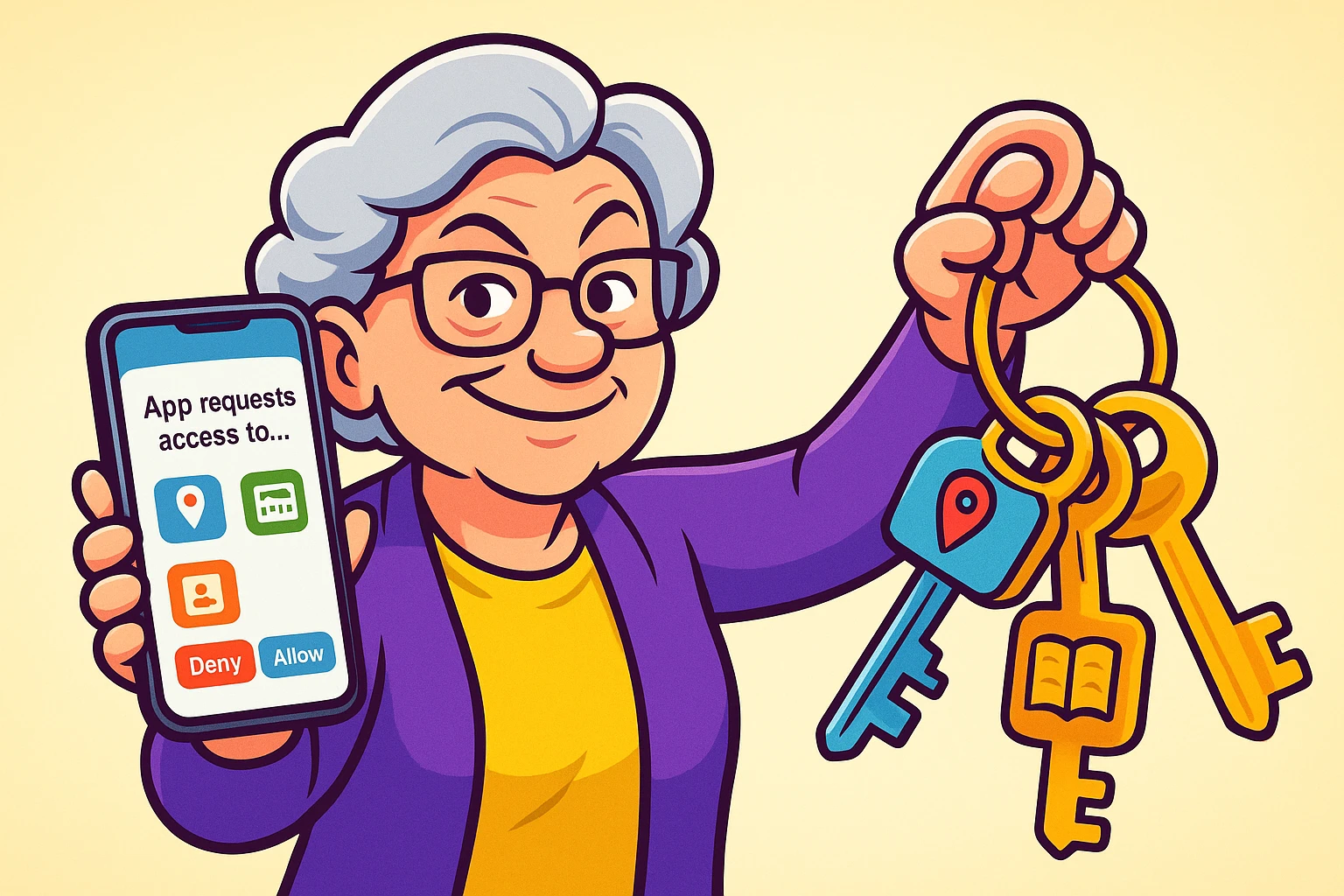
What about old business tools? If you ever dabbled in consulting or a small side hustle, you might have lingering accounts for email marketing software like Klaviyo. Leaving those active is like hiding spare keys under your welcome mat and forgetting you ever put them there.
Now that you have your list, please don’t panic. We aren’t going to tackle this entire project all at once. Like cleaning out a garage, we need to do a little triage first.
Divide your list into “High Risk” and “Low Risk” accounts. High risk includes anything with your financial data, your social security number, or private messages (like old email providers or shopping sites).
Low risk includes things like a gardening forum where you only ever posted once about a stubborn petunia. Keep your sanity intact and tackle the high-risk ones first.
Important to state up top: Before deleting anything, save files or messages you want to keep. If it’s an old email account, update any other accounts that use that address for sign-ins or password resets. Also check whether closing it would affect other services you still use.
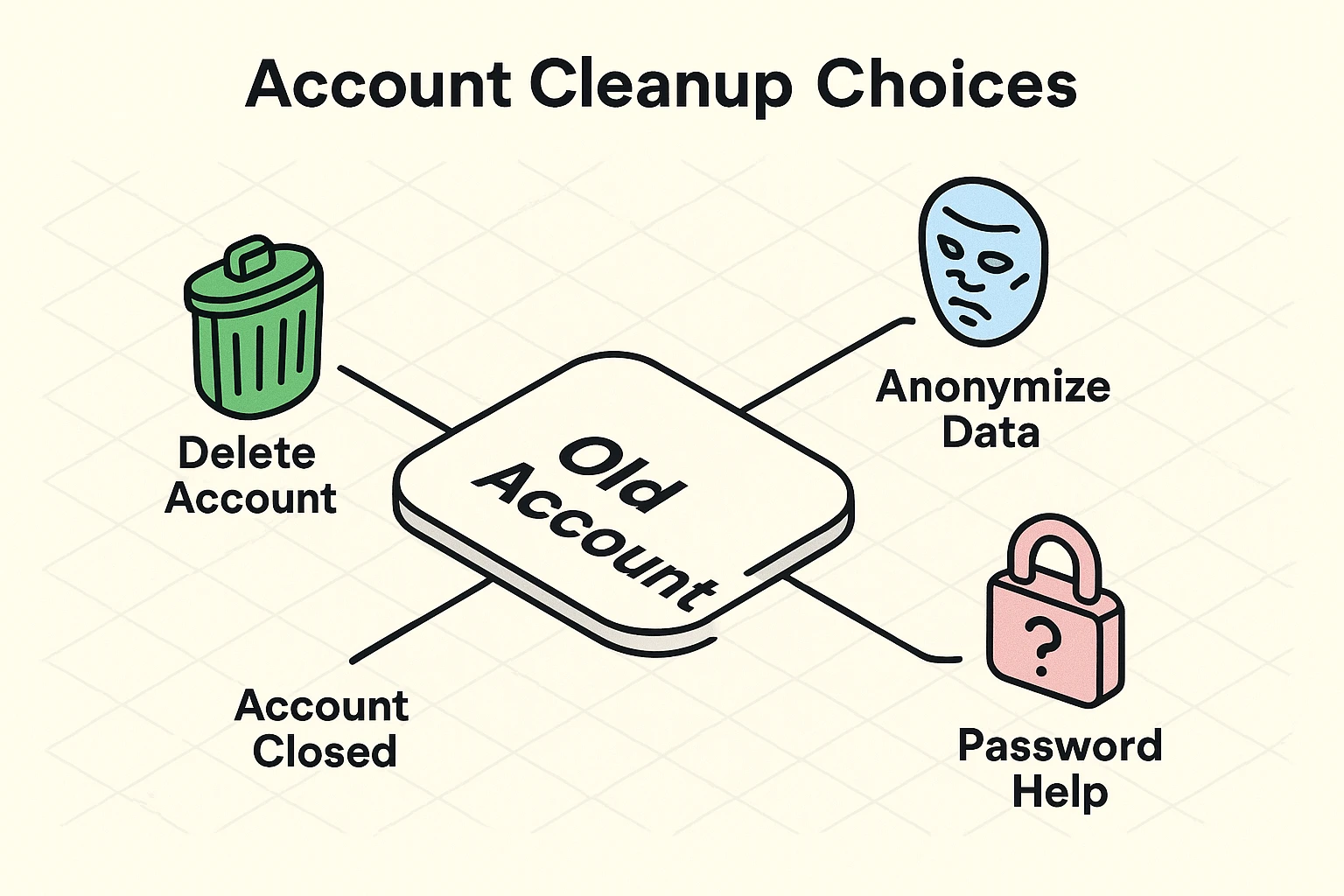
Actually deleting an account can feel like trying to cancel a gym membership. Companies hide the “delete” button like it’s the Holy Grail. Usually, you need to log in, go to “Settings,” find “Privacy” or “Account,” and look for “Delete Account” or “Close Account.” Deactivation may only put the account on pause.
But here’s the biggest roadblock for most of us: The Recovery Loop. This happens when you try to log into an old account to delete it, but you’ve forgotten the password. So, the website tries to text a security code to a flip phone you threw away in 2015.
If you find yourself stuck with a two factor authentication lost phone headache, don’t throw your computer out the window just yet. Look for a link that says “Try another way” or contact customer support directly to prove your identity.
When dealing with sensitive sites that use strong auth methods, be politely persistent. Reach out to their help desk and clearly ask them to delete your account and personal data.
Sometimes, an account absolutely refuses to let you delete it. Maybe the company went out of business, or their website looks like it hasn’t been updated since dial-up internet was a thing. Before giving up, always check their website for a privacy policy or a contact email address.
If you can still log in but can’t get the account deleted, it’s time for a little damage control.
Remove saved credit cards and any optional personal details the site lets you erase. Changing your display name to John or Jane Doe may hide it from other users, but it doesn’t wipe the company’s old records.
Give the account a strong, unique password and save it in your password manager. Keep a working recovery email and turn on two-factor authentication if available. You’ve reduced the risk, but the dust bunny hasn’t completely left the building.
No. Deleting the app removes the app from your iPad, but it generally leaves your online account intact. To close that account, follow the company’s account-deletion instructions.
Use the “Forgot Password” link on the login page to have a reset link emailed to you. If you no longer have access to the email or phone number associated with the account, you will likely need to contact the company’s customer support directly.
Yes. Old accounts often have weaker passwords that you haven’t updated in years. If a hacker steals your password from an old site, they can try it on your current bank, email, or social media accounts. Reusing the same password—or a close variation—makes that especially dangerous.
Cleaning up your digital footprint isn’t a one-and-done chore. It’s much more like doing the dishes; if you keep up with it regularly, the pile never gets too overwhelming to handle.
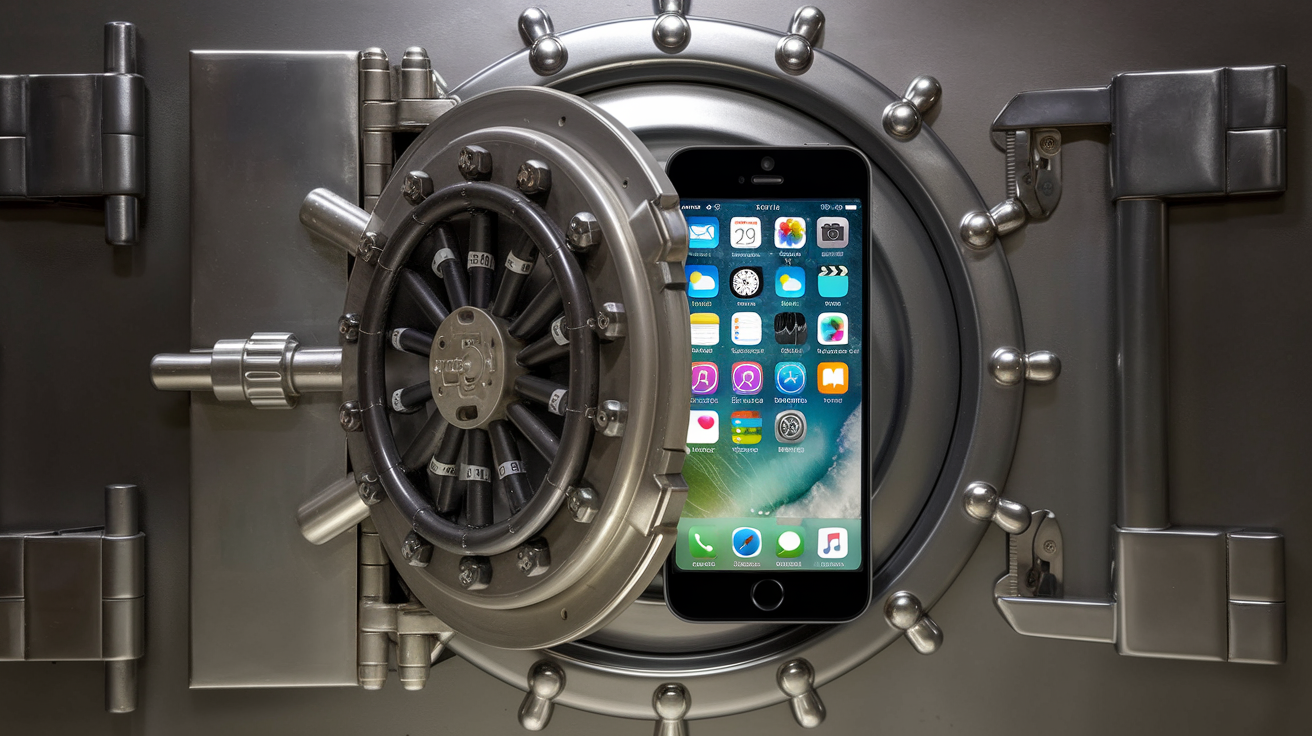
Make it a habit to delete an account the very moment you decide you no longer need the service. To make future cleanups a breeze, use a password manager and save each account as you create it. It acts like a secure digital vault, keeping your saved logins together so you don’t lose them in the attic again.
Take an hour this weekend, grab a cup of coffee, and start your digital spring cleaning. Your future self—and your privacy—will definitely thank you!